Explore Fablo by example
Start with a small local network, then add collaboration, data privacy, external chaincode services, operational tools, and repeatable state. Every example below maps to a maintained sample or documented command.
- Your first network
- Private data across organizations
- CCaaS, CouchDB, and REST
- Blockchain Explorer for Fabric v2
- Snapshot and restore
Start with one local network
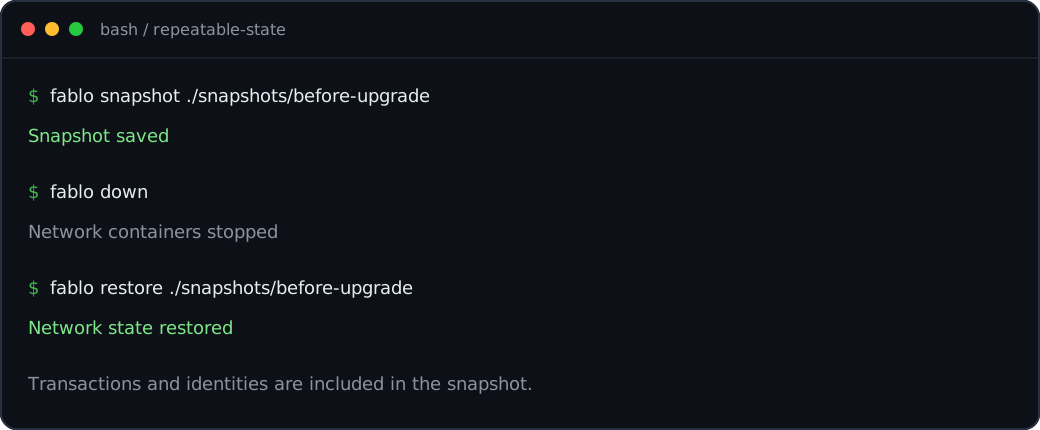
Scaffold a Fabric 3.1 network and a sample Node.js chaincode, inspect the generated Docker files, then start everything with one command.
Try it
mkdir fablo-first-network && cd fablo-first-network
fablo init node
fablo generate
fablo up
fablo init node creates fablo-config.json plus a sample chaincode. generate writes the network artifacts to fablo-target, and up starts the network, creates its channel, and deploys the chaincode.
Share a channel, keep selected data private
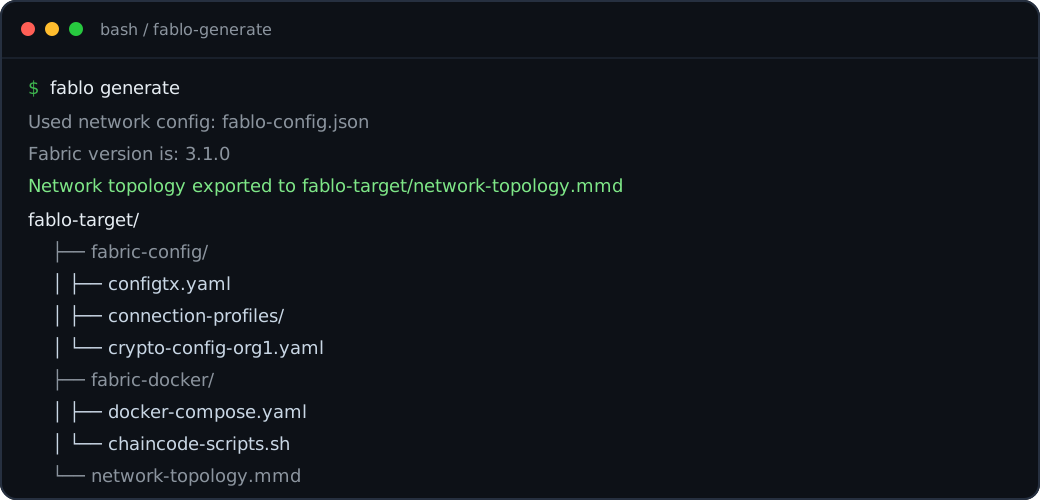
Model two peer organizations on one channel, set explicit endorsement policies, and give each chaincode the private collections it needs.
Configuration excerpt
chaincodes:
  - name: or-policy-chaincode
    version: 0.0.1
    lang: node
    channel: my-channel1
    directory: ./chaincodes/chaincode-kv-node
    endorsement: OR('Org1MSP.member', 'Org2MSP.member')
    privateData:
      - name: org1-collection
        orgNames: [Org1]
Generate the network normally with fablo up. Fablo writes the collection configuration and uses the declared policy when the chaincode is deployed.
Run chaincode as a service
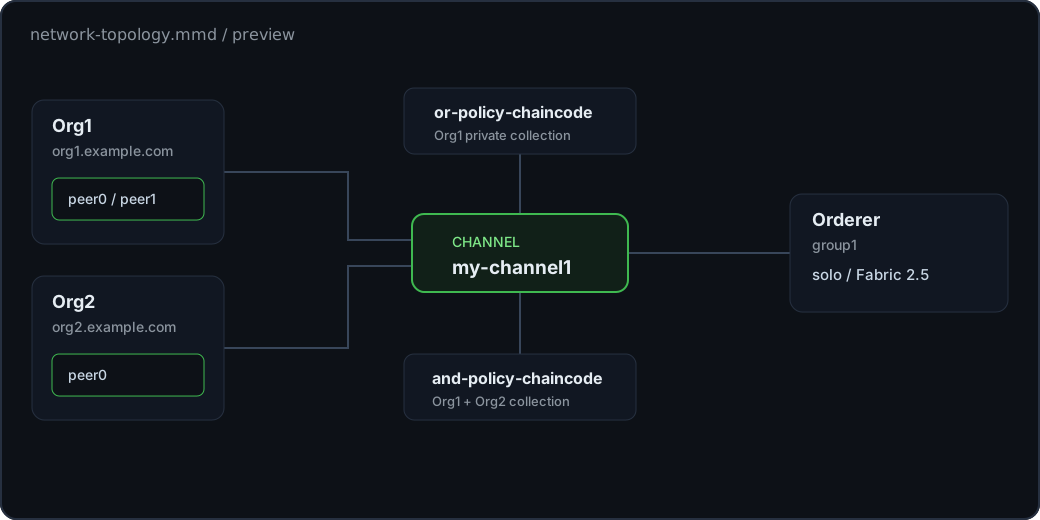
Use a container image for CCaaS, store world state in CouchDB, and expose Fabric operations through Fablo REST for each peer organization.
Configuration excerpt
orgs:
  - organization: { name: Org1, domain: org1.example.com }
    peer: { instances: 1, db: CouchDb }
    tools: { fabloRest: true }
chaincodes:
  - name: chaincode1
    version: 0.0.1
    lang: ccaas
    channel: my-channel1
    image: ghcr.io/fablo-io/fablo-sample-kv-node-chaincode:2.2.0
    chaincodeStartCommand: npm run start:ccaas
The complete sample applies the peer and tool settings to both organizations and connects them through my-channel1.
Add Blockchain Explorer to Fabric v2
Enable the optional Explorer UI when you need to inspect channels, blocks, and transactions in a Fabric v2 development network.
Configuration excerpt
{
  "global": {
    "fabricVersion": "2.5.12",
    "tls": true,
    "tools": { "explorer": true }
  }
}
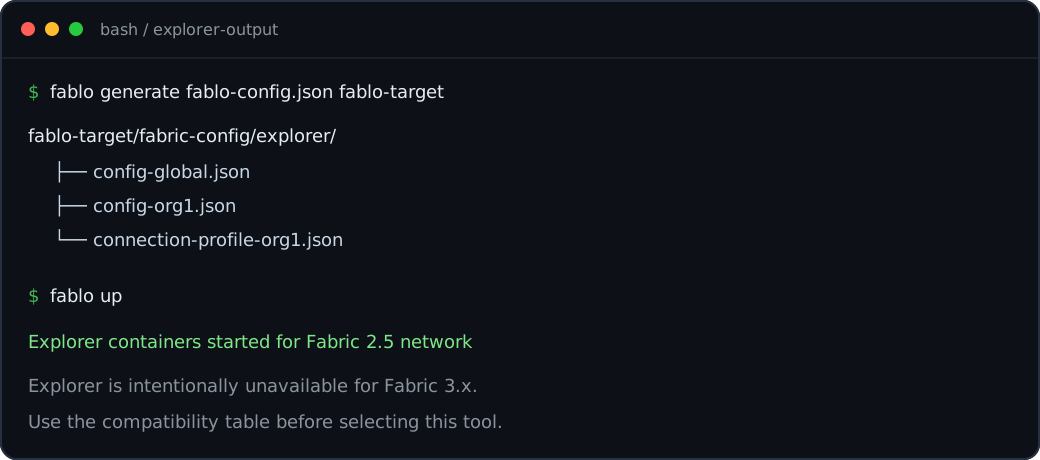
Explorer is supported for Fabric v2 and not Fabric v3. fablo validate warns when the Fabric version is 2.5.13 or newer, or older than 1.4.0, because Hyperledger Explorer may not support those versions. You can also set tools.explorer on a single organization instead of setting it globally. When the global tools.explorer is true, Fablo ignores the setting on each organization. Run fablo up to generate the Explorer connection material and start its containers with the network.
Save state before the next experiment
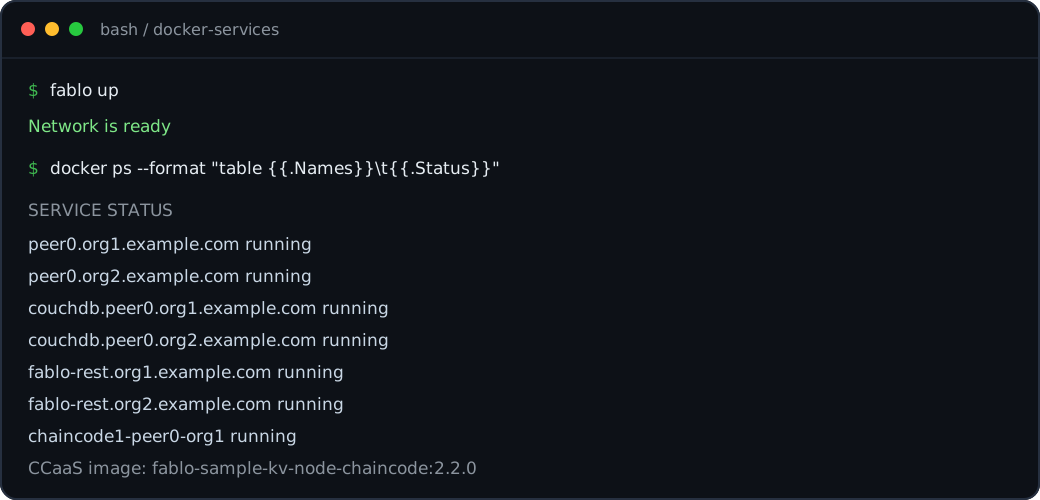
Capture a complete local network state, including transactions and identities, then restore it after a test, upgrade, or destructive change.
Try it
fablo snapshot before-upgrade
fablo prune
fablo restore before-upgrade
fablo start
Take the snapshot while the network is running, because Fablo copies the state out of the running containers. The command fablo snapshot before-upgrade writes an archive named before-upgrade.fablo.tar.gz in the current directory, and it fails when that file already exists. Run fablo prune before you restore, because fablo restore stops with an error when a fablo-target directory is already there, and fablo down leaves that directory in place. A restored network is created but not started, so run fablo start at the end.